Once you join Notewise Cloud successfully, your existing local notes will sync into Notewise Cloud.
Please be advised that once your local notes are successfully uploaded onto Notewise Cloud Server, you'll no longer be able to access your notes when signed out, as they'll be exclusively stored in the cloud. This cloud-based approach ensures your data is always secure and available, no matter which device you're using with your Notewise Cloud subscription.
For iOS Users: Once you sign in to Notewise Cloud successfully, your existing local notes will automatically sync into Notewise Cloud.
Access: Once uploaded, these notes are stored securely in the cloud. You will need to be signed in to access them.
Note: If you sign out, these notes will no longer be visible on your device until you sign in again.
For Android Users: When you sign in, the app detects if you have existing local notes. You will see a prompt asking: "Move data to Notewise Cloud?"
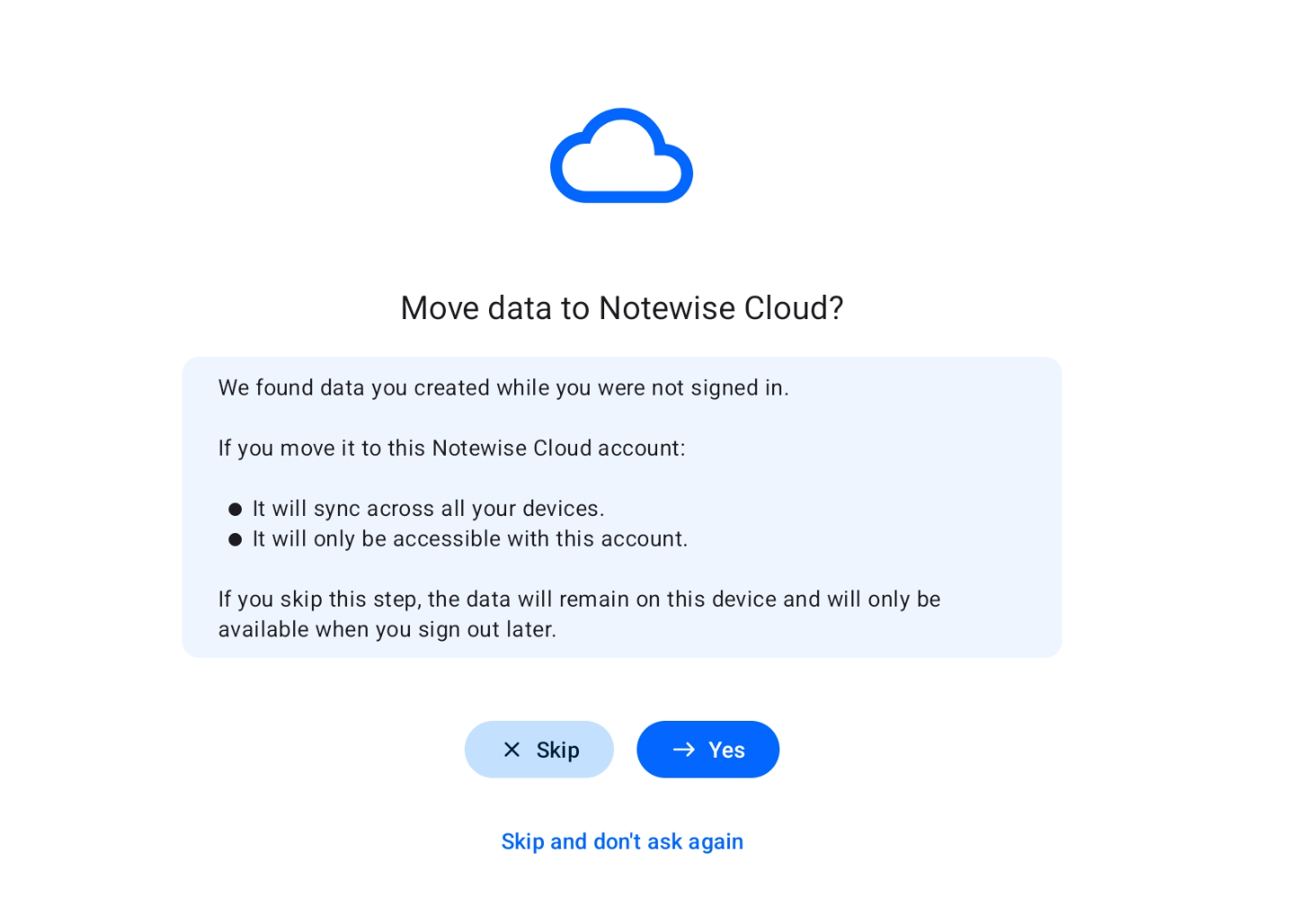
1. Yes (Recommended)
Your local notes will immediately upload to Notewise Cloud. These notes become cloud data. They are accessible while you are signed in.
2. Skip
Your notes are not uploaded and remain locally on the device. You will enter Notewise Cloud directly, but your local notes will be hidden. To view them, you must Sign Out.
The app will ask you to move this data again next time you reopen the app.
3. Skip and don't ask again
Your notes are not uploaded and remain locally on the device. Your local notes will be hidden while you are signed in.
The app will stop asking for this session. It will only ask you again if you completely Sign Out and Sign In again.